


IdP Setup
-
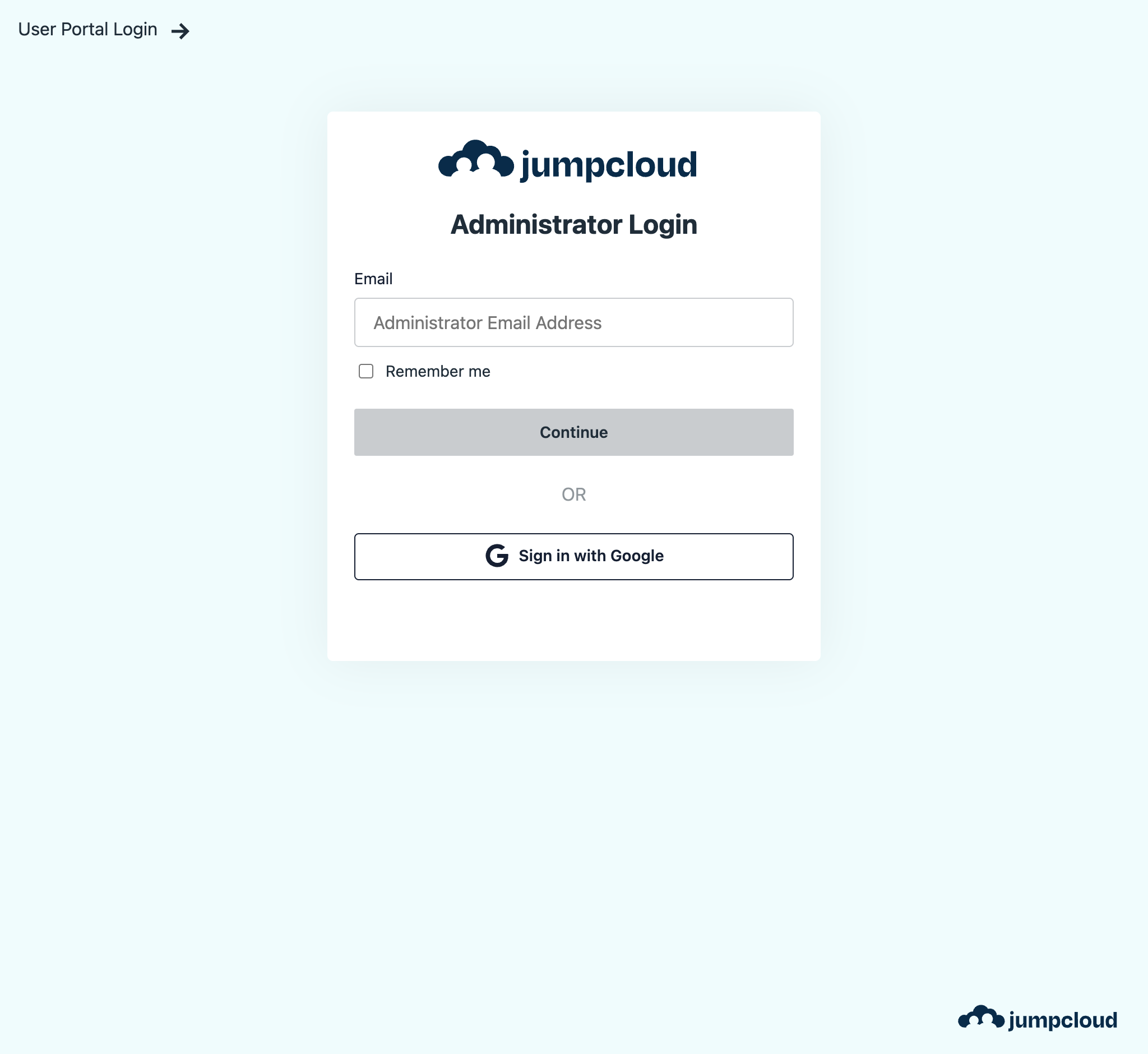
Navigate to the JumpCloud Admin Login Page and log in as an administrator.
-
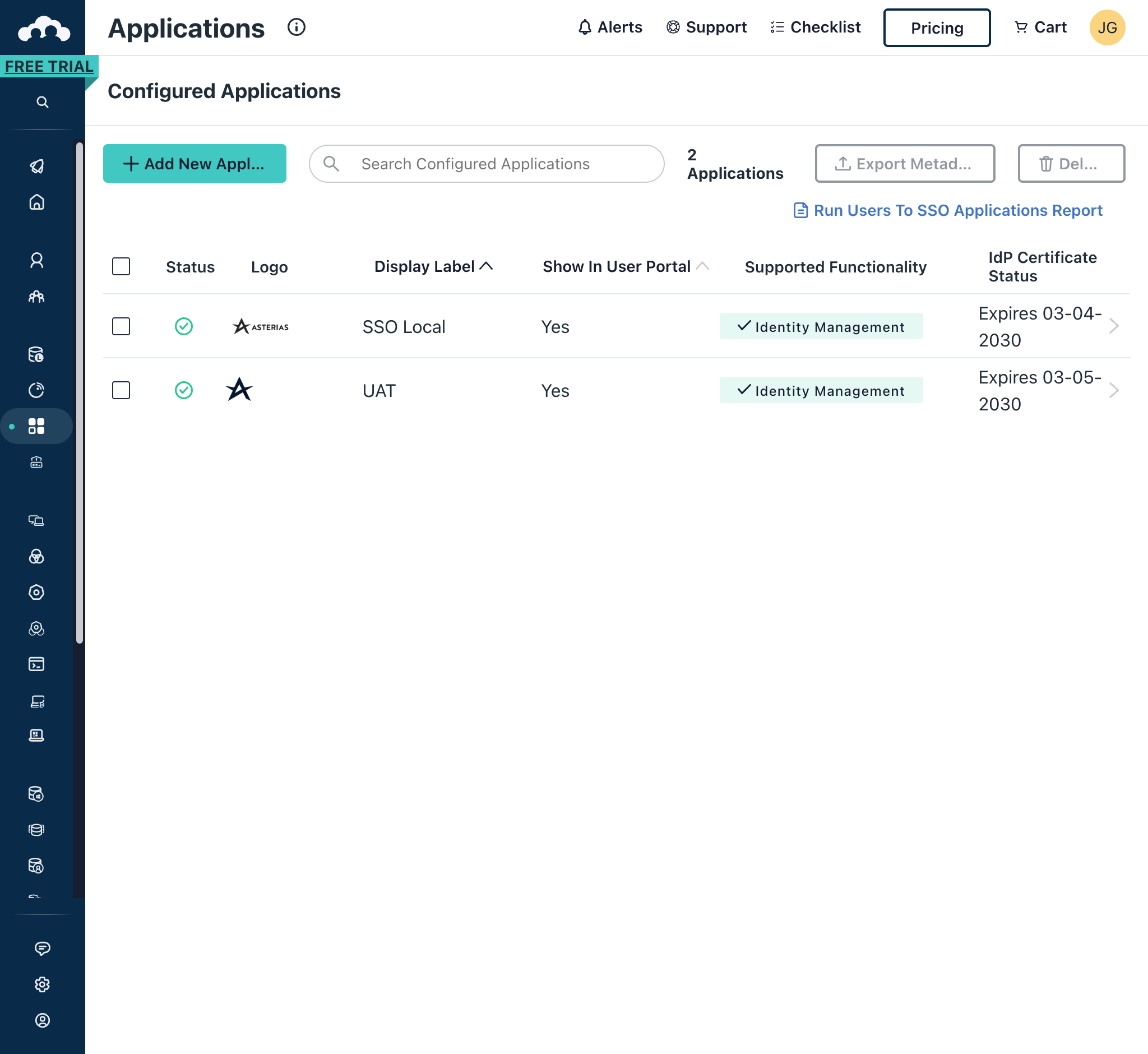
In the left-hand navigation pane, click on SSO Applications. Once the page loads, click on the Application to configure.
-
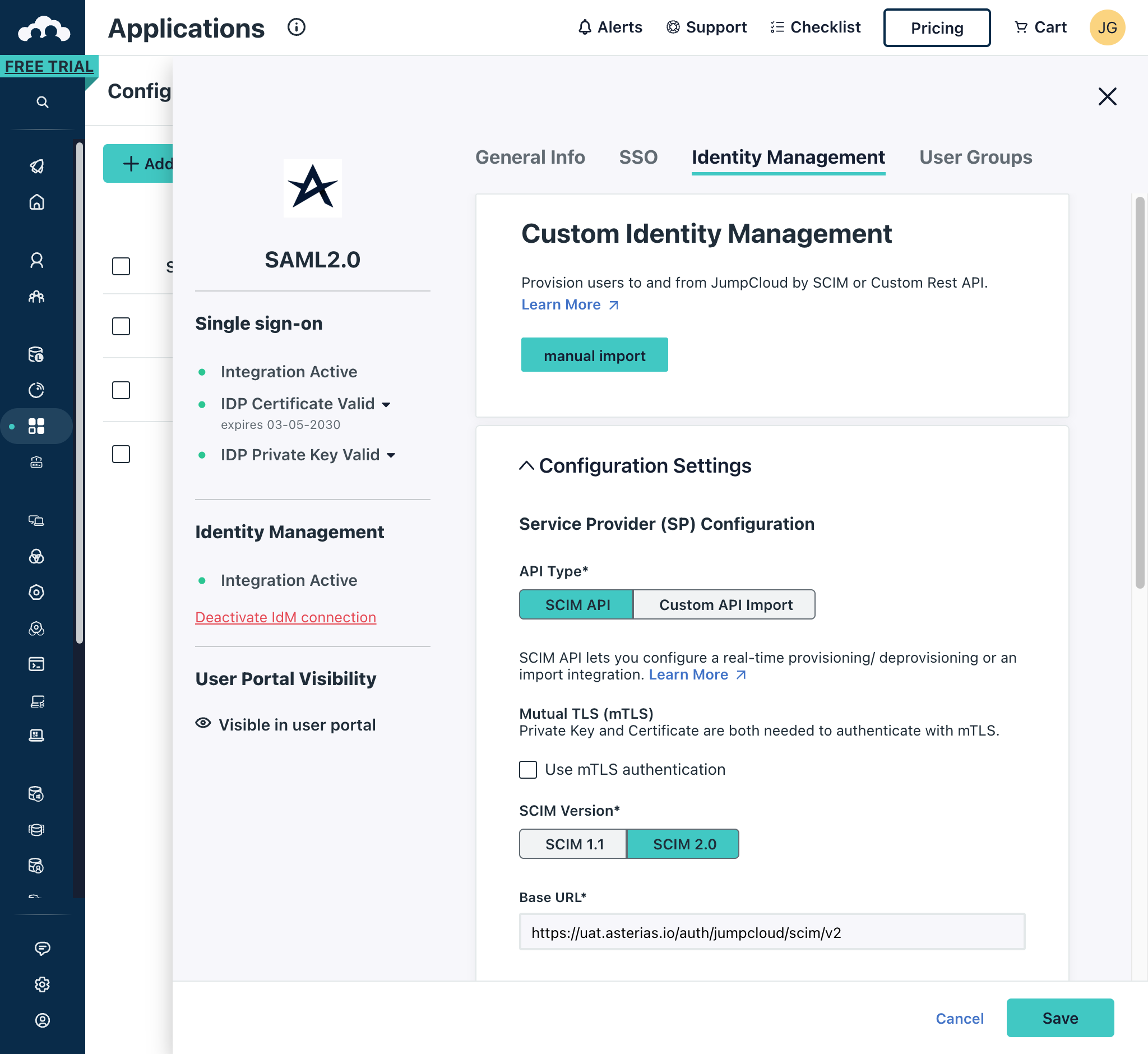
Click on the Identity Management tab and expand the Configuration Settings section.
-
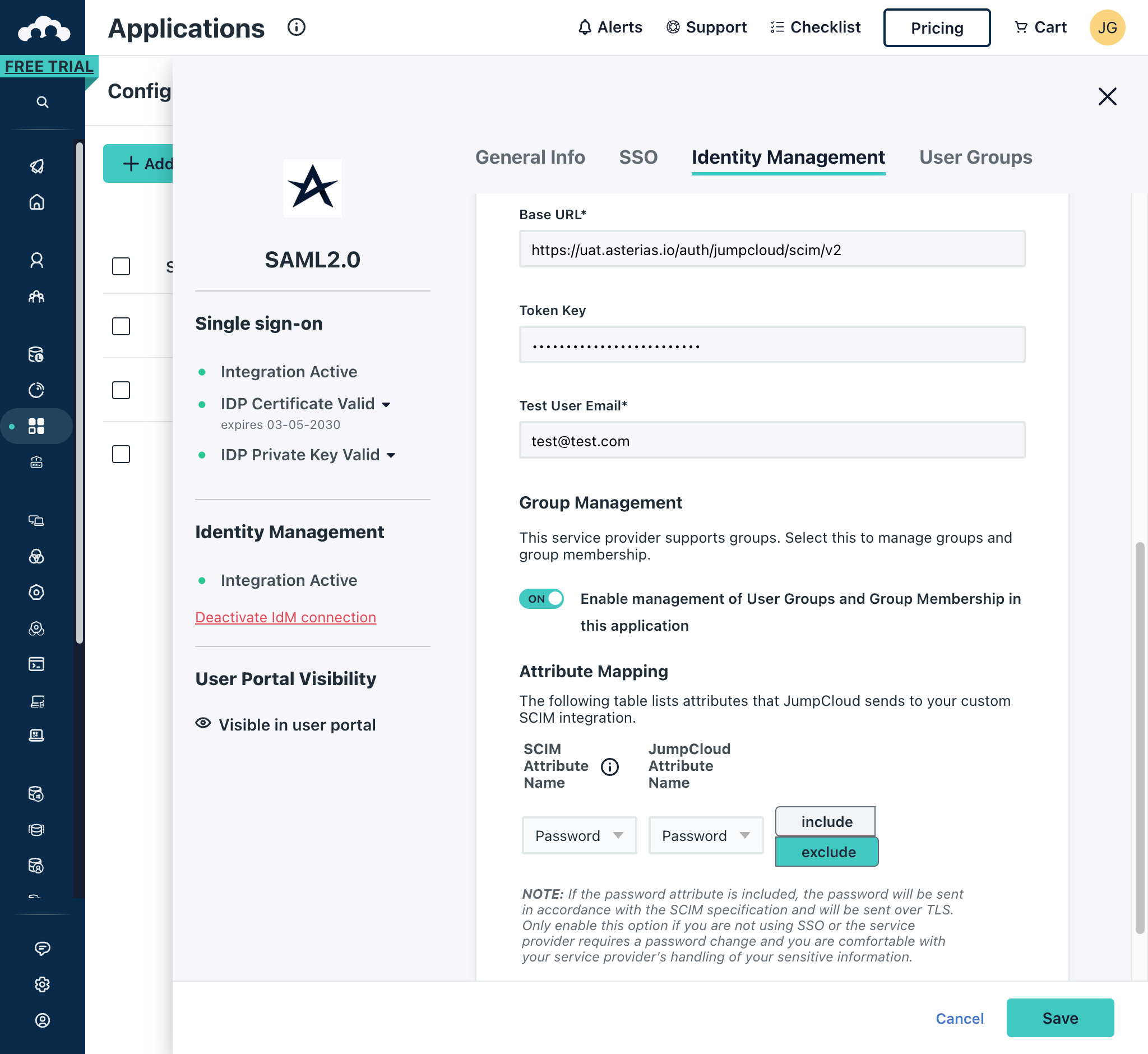
Enter the required details
- Base URL e.g. https://uat.asterias.io/auth/jumpcloud/scim/v2. This value includes the provider identifier (jumpcloud in this instance), be sure to replace this with the correct value as well as update the base URL.
- Token Key. See SCIM Token Key Tutorial for more information.
- Test User Email e.g. test@test.com
-
Click on the Save button in the bottom-right of the screen.